
A dashboard built around a clear question
Inventory & low-stock overview
A clearer view of availability and stock needing review.
For small stores and stockrooms reviewing item balances and alert thresholds.
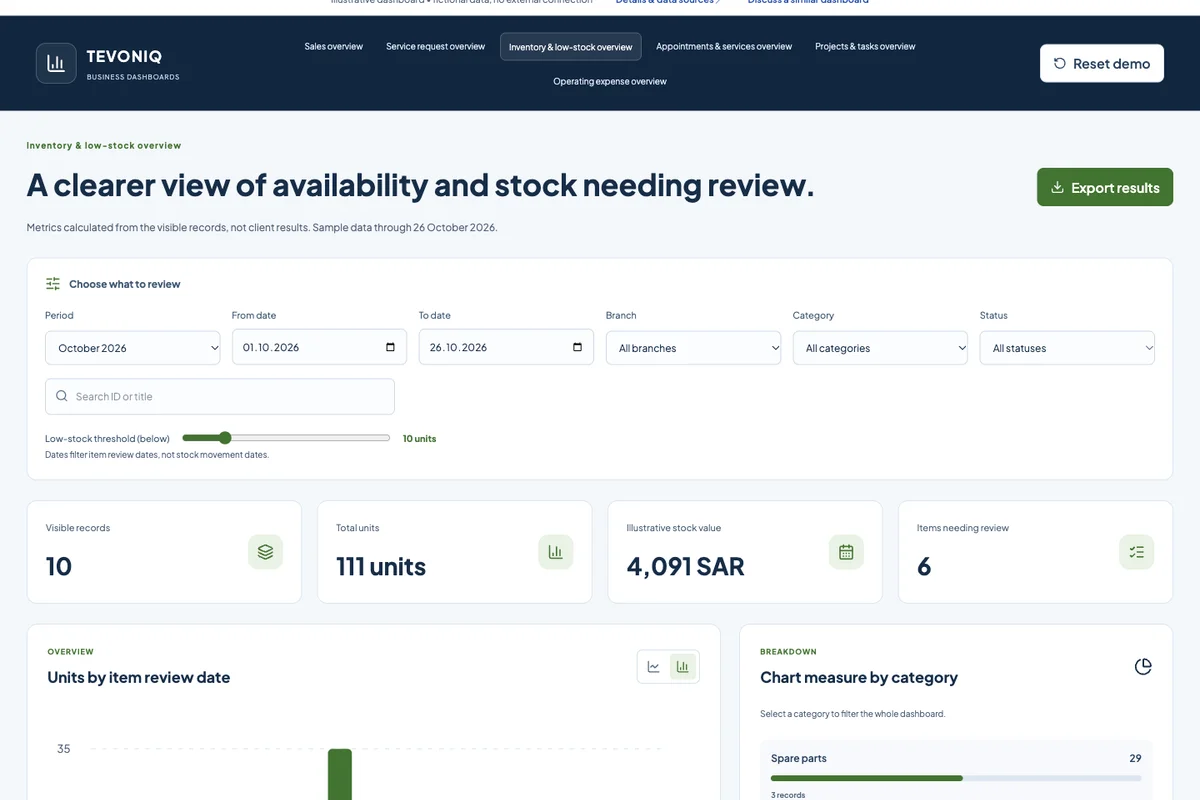
Each row represents one item at one branch, not a sales movement. Dates filter record review dates; the chart is not an inventory time series. Data is fictional; editing and export are local, with no external storage.
Business value
- Aggregate quantities by item and branch
- Try an adjustable low-stock threshold
- Identify empty items before fulfilment
Possible data sources
- Inventory with a documented API
- POS with a supported integration
- An agreed stock file
What can you try?
- Period, branch, category and status filters shared by the metrics.
- Select a category or status to filter records.
- Edit a sample record and export the visible results.
MEASURES & DEFINITIONS
What does this dashboard show?
Calculations use the same filters. In a live implementation we agree on fields, excluded statuses and units, and verify results against source records.
How do we connect your data?
We review your software or files, fields and update process. A documented API or structured export may be used, with agreed manual or scheduled refresh and a visible last-update time.
What is needed to go live?
Agreed metric definitions, verifiable data, authorised accounts and access, and checks for data quality and duplicates. We define who can view each dashboard and how refresh failures are handled before release.
Turn your records into a clearer view.
Tell us what you want to monitor, the software or file you use and who needs access. We start with a focused dashboard and expand after validating the calculations.
Discuss this dashboard’s requirements ↗